


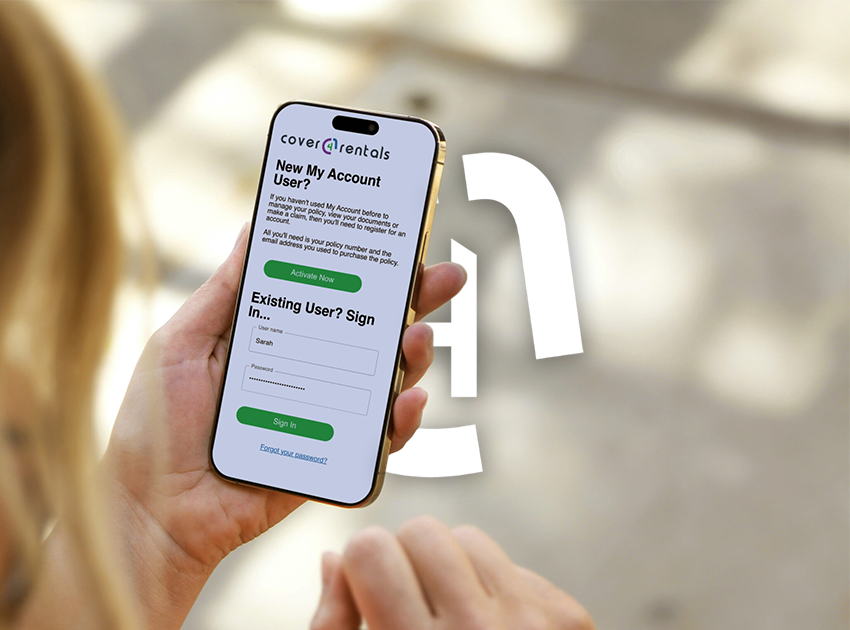
At Cover4Rentals, we’ve recently launched MyAccount – our online, self-serve portal designed to make managing your policy a lot faster and easier, without needing to wait for office hours or our team to get back in touch with you.
With MyAccount, you can:
MyAccount is the fastest way to stay on top of your cover.
How to Register
To create your MyAccount, you’ll need your policy number. You can find this on the policy documents emailed to you when you bought your policy. It will look something like C4R-1234567-1.
Once you have entered your policy number:
- Enter your email address
- Choose a username
- Click ‘validate’ to check your username is available
- Submit your details
We’ll then send you a confirmation email. Click the link in the email to finish setting up your MyAccount and start managing your policy online.
What Else Can You Do in MyAccount?
We’re continuing to improve MyAccount and add new features. Soon, you’ll also be able to:
These updates will mean everything can be handled in one place.
Already Registered?
That’s great! Having MyAccount set up gives you more control and will save time when you need to make changes. We recommend logging in and having a look around the portal so you’re familiar with it.
And if you ever forget your username or password, you can recover these online using the links on the login page


Comments are closed